
USE CASE
Turn Meetings into Actions
Make every meeting end in visible decisions, tasks and deadlines instead of vague memories. Connect Notion Calendar, AI meeting notes and task tracking so discussions automatically become assigned actions that actually move work forward.

Challenges
- Nobody owns the notes
- Action items are vague or missing
- Context spread across tools
- Too many “what did we say?” moments
- Follow-ups always depend on one person
Some meetings get notes, others don’t.
Sometimes they’re in a doc, sometimes in a chat, sometimes in nobody’s head.
People leave with “we’ll follow up on that” but there’s no clear list of who does what, by when.
Calendar events in one place, recordings in another, notes in a third, tasks in a fourth.
Reconstructing what was decided takes longer than the meeting itself.
Teams repeat conversations because nobody can quickly find the last decision, especially across recurring meetings.
If the person who took notes is sick, leaves the company or simply forgets to share, the meeting basically never happened.

Capabilities
- AI-powered meeting capture in Notion
- Notes created straight from Notion Calendar
- Live notes plus automatic summaries
- Action items converted into real tasks
- Meeting notes connected to projects and clients
- Searchable meeting history with AI
- Automated sharing and follow-ups
- Meeting database with governance
Use Notion AI Meeting Notes to record and transcribe your calls from system audio and mic (Zoom, Meet, Teams, etc.) or in-person discussions, without needing extra bots or tools.
Connect Notion Calendar so every event can spawn a meeting note page with one click.
Upcoming meetings appear on your Notion home, and you can prep agendas or start AI transcription directly from there.
During the meeting, your team can add bullets, highlights and @mentions in the Notes tab while AI records the conversation.
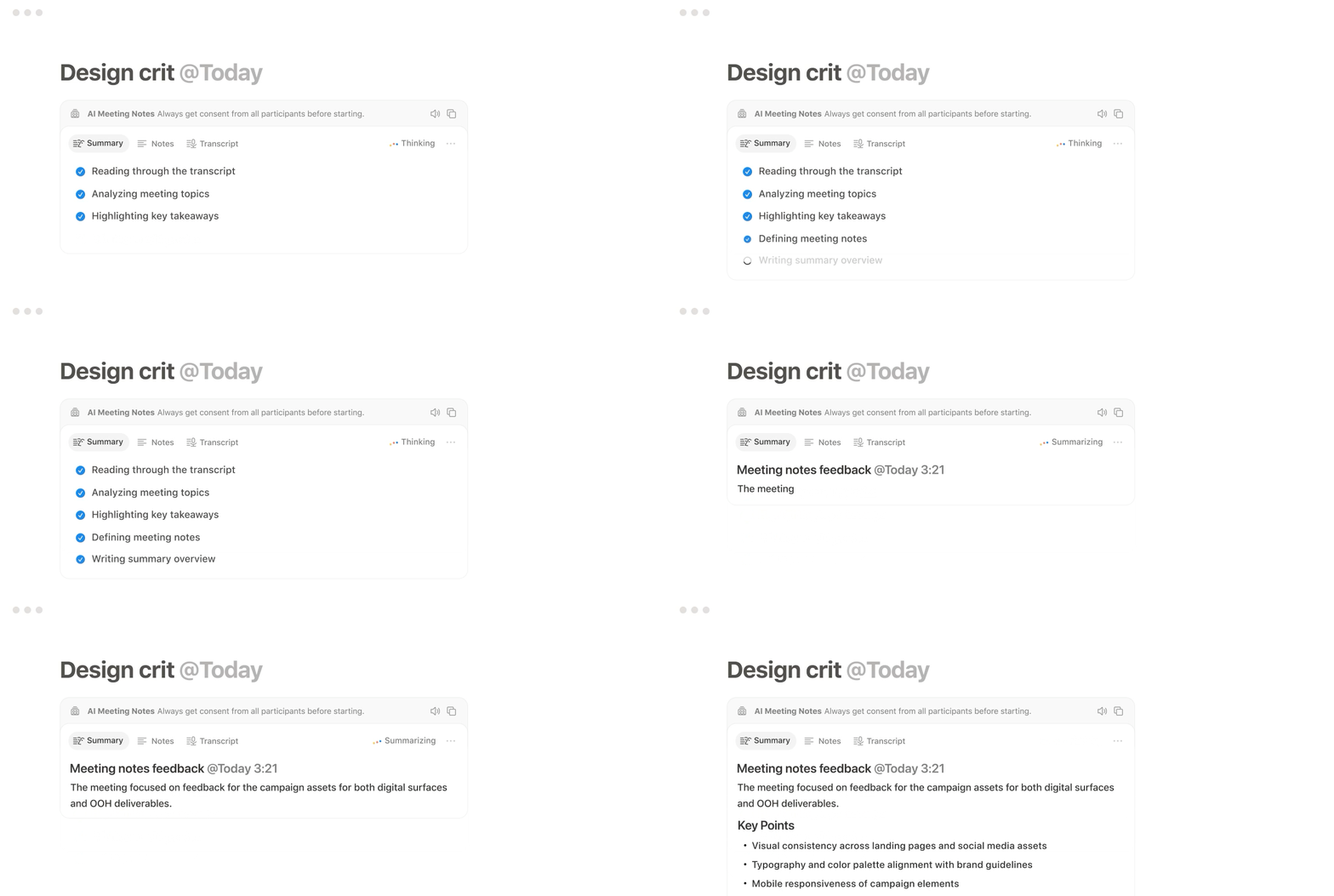
Afterward, Notion AI generates a structured summary with topics, decisions and action items based on both transcript and notes.
Action items identified by Notion AI can be turned into tasks in your projects or tasks database, with owner, priority and due date.
Your Notion Agent can also help keep projects updated with new statuses and timelines after the meeting.
Every meeting note is related to the right project, client, deal or internal initiative inside your Notion system. Rollups let you see “all meetings for this project” or “all decisions for this account” in one click.
Instead of digging through old docs, you can ask Notion AI questions like “What did we decide about pricing for Client X?” and jump straight to the relevant note and actions.
Automations can send recaps to Slack or email, or help Notion AI draft follow-up emails and status updates based on the meeting summary.
Internal and client stakeholders stay aligned with minimal manual work.
A dedicated “Meetings” database in Notion holds all your notes, with properties for team, topic, client, project, decision level and sensitivity.
You can apply permissions, retention rules and review cadences that match how your business works.

Outcomes
- Clear decisions and next steps after every meeting
- Less time spent rewriting and chasing notes
- Meetings that actually move projects forward
- Stronger alignment across teams and stakeholders
- Fewer repeat conversations and status calls
People leave knowing exactly what was decided and what they personally need to do, with dates attached.
AI handles the heavy lifting of transcription and summarisation.
Your team adjusts, tags and acts instead of starting from a blank page.
Because notes, tasks and projects live in the same system, outcomes feed straight into real work instead of getting stuck in static documents.
Sales, product, ops, leadership… everyone can see the trail of discussions and decisions around key initiatives, even if they couldn’t attend.
You can quickly revisit “what did we say?” without booking yet another sync, freeing time for deep work and execution.
Want your meetings to generate real progress instead of more meetings?
